
When to use
People search the website for three things: a store, something to eat and an answer. Each has its own tool, and they share one set of parts: a field with ink edges, an ink Search button, chips that filter in place with a count in brackets, and a live line that says how many results are left.
- Find a Store and Fuel & Fleet use the store finder: a search by city, ZIP or address, Use my location, and filter chips.
- Food & Drink uses the menu browser: a category strip, filters in a sidebar (a sheet on phones), a sort and pages.
- /search looks across the menu, stores, Help, news and pages; the Help hero sends its search to the Help Center; Press and Promotions filter their own lists.
Filters apply as they change: there is no Apply button anywhere. The store finder keeps the search and filters in the address (?q=, ?fuel=, ?feature=), and the menu reads its category, craving and promotion from it (?category=, ?craving=, ?promo=), so a filtered list can be shared and the Home and the mega-menu land on it filtered.
Anatomy
| Part | Rule |
|---|---|
| Band | Surface, under the page hero. The results start under it on paper. |
| Field | 56 px, paper, 1px ink edge, 16 px radius, 20 px left padding, body text. A 20 px pin sits 16 px from its right edge. Up to 512 px wide from 768 px. |
| Search | Ink button, 56 px, 14 px radius, 28 px sides; red on hover. |
| Use my location | Paper with a 1px ink edge, 24 px sides, an 18 px locate glyph 8 px before the label; fills ink on hover. |
| Group label | Eyebrow (caption size, weight 600, 0.08 em, capitals), with a hint in sentence case on Fuel & Fleet: · pick one, · combine any. |
| Chip | 44 px, 14 px radius, 1px ink edge, 16 px sides, UI text. Paper, pastel on hover, ink with paper text when on. The count is caption size in brackets. |
| Summary | UI size, read aloud as it changes: 4 stores · Car Wash, 3 stores near “Hillcrest”. |
Store features
Find a Store filters by five store features: Car Wash, Pet Wash, Family Express Kitchen, Open 24 Hours and Beer & Wine. A chip that is on leads with a 14 px check. Fuels are not a filter here: every store sells unleaded, which the All stores tag says once, and each result card lists its special fuels.
Below 1024 px, a List and Map pair sits beside the summary, 44 px buttons with the chosen one in ink.
Special fuel
The fuel chips behave as one radio group: choosing one replaces the last, and Any clears it. Any carries no count; the others count the stores with that fuel under the features on. The feature chips here are Open 24 Hours, Car Wash and Family Express Kitchen.
No results
The empty panel is surface with 24 px corners and 32 px padding: a Lilita One title built from the filters (No store near “Hillcrest” has a car wash and has a pet wash.), one line of advice and an underlined button, Clear “Pet Wash”, or Clear search when no chip is on. The menu’s empty state is a 1px ink panel with No items match these filters.
Home store search
The Home search is a plain form that opens Find a Store with the search already run (/find-a-store?q=). Use my current location opens Find a Store and starts its location request there, where the results are; the flag leaves the address once used, so a reload does not ask again. The submit turns red on hover with its arrow in ink.
Menu categories
-
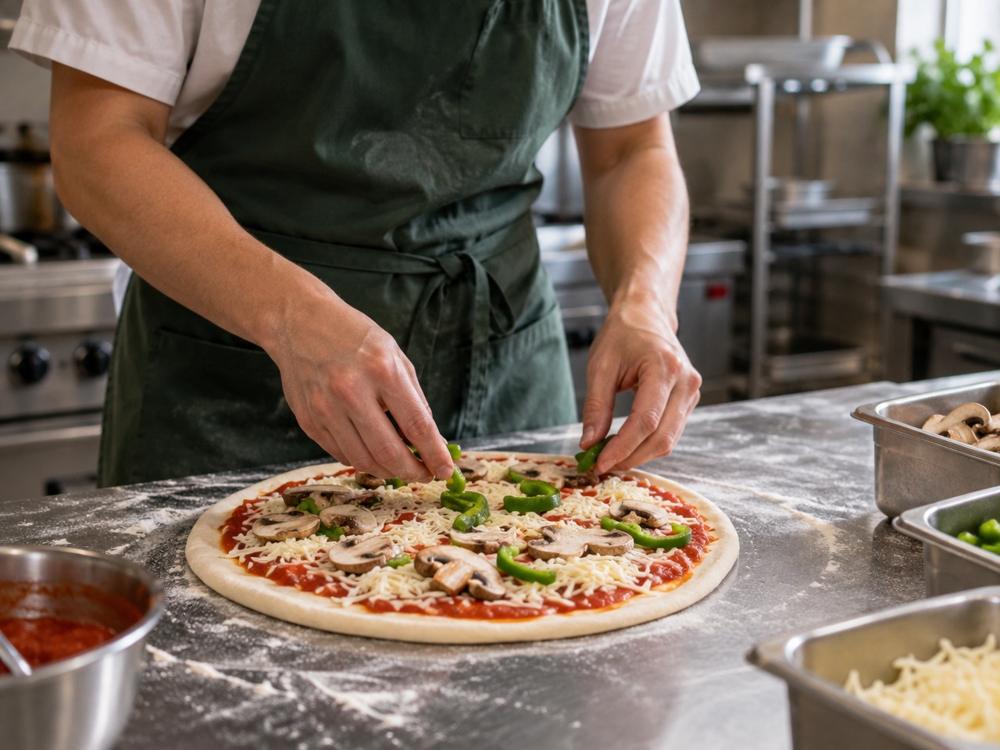 All
-
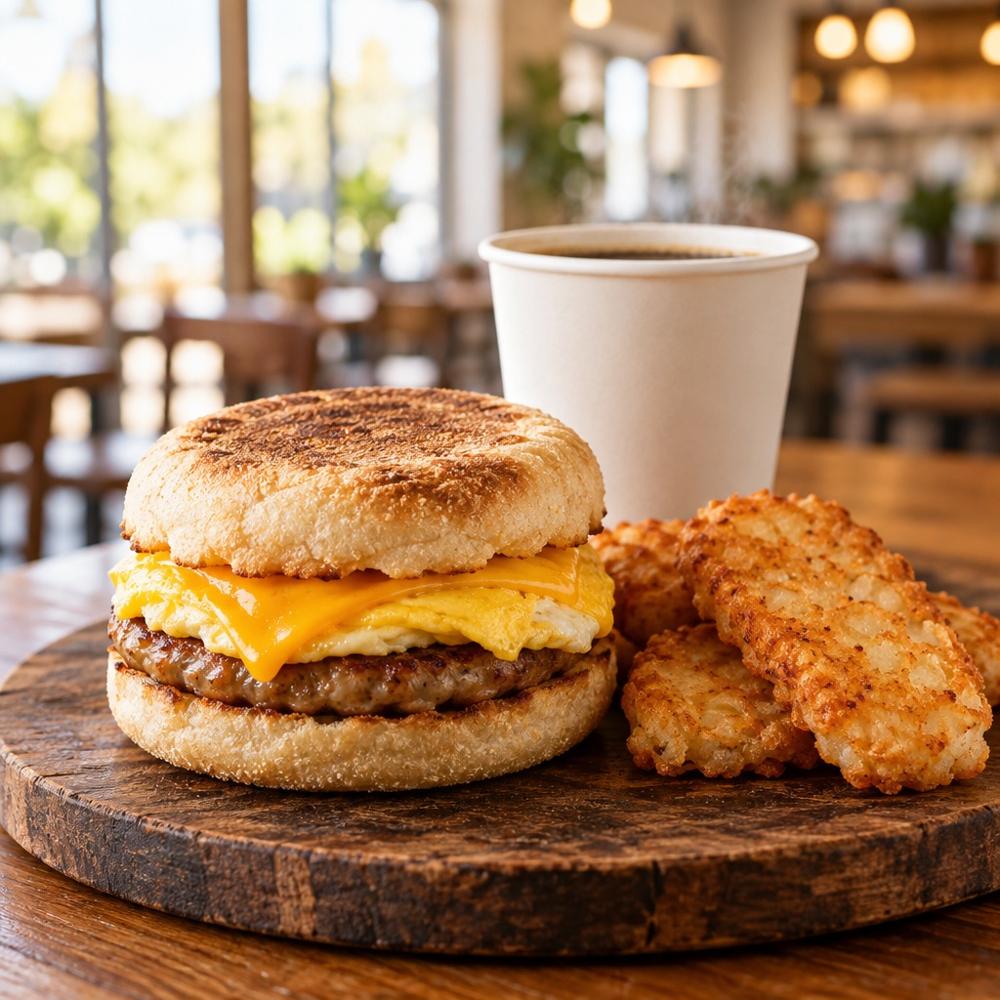 Breakfast
-
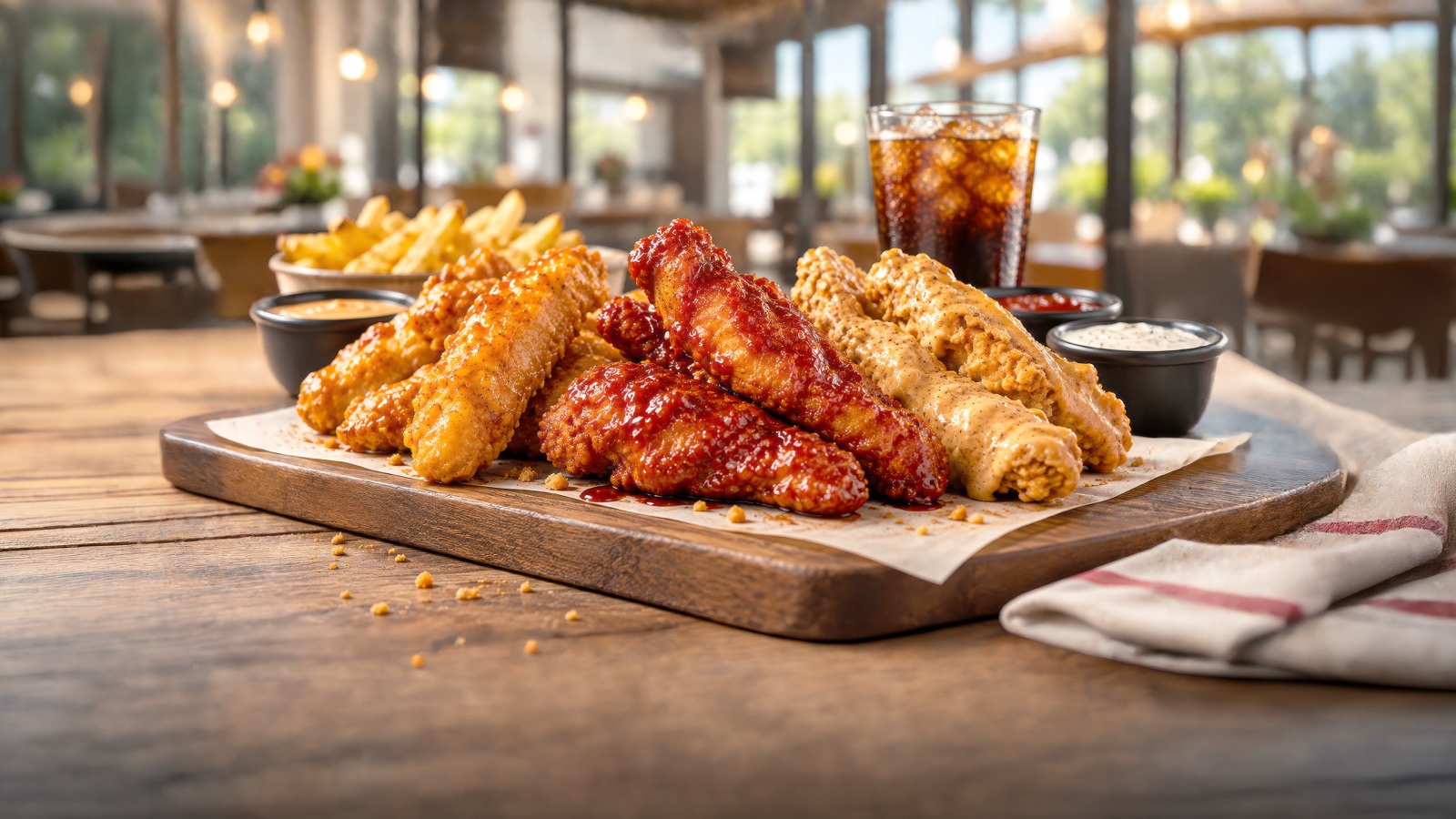 Chicken
-
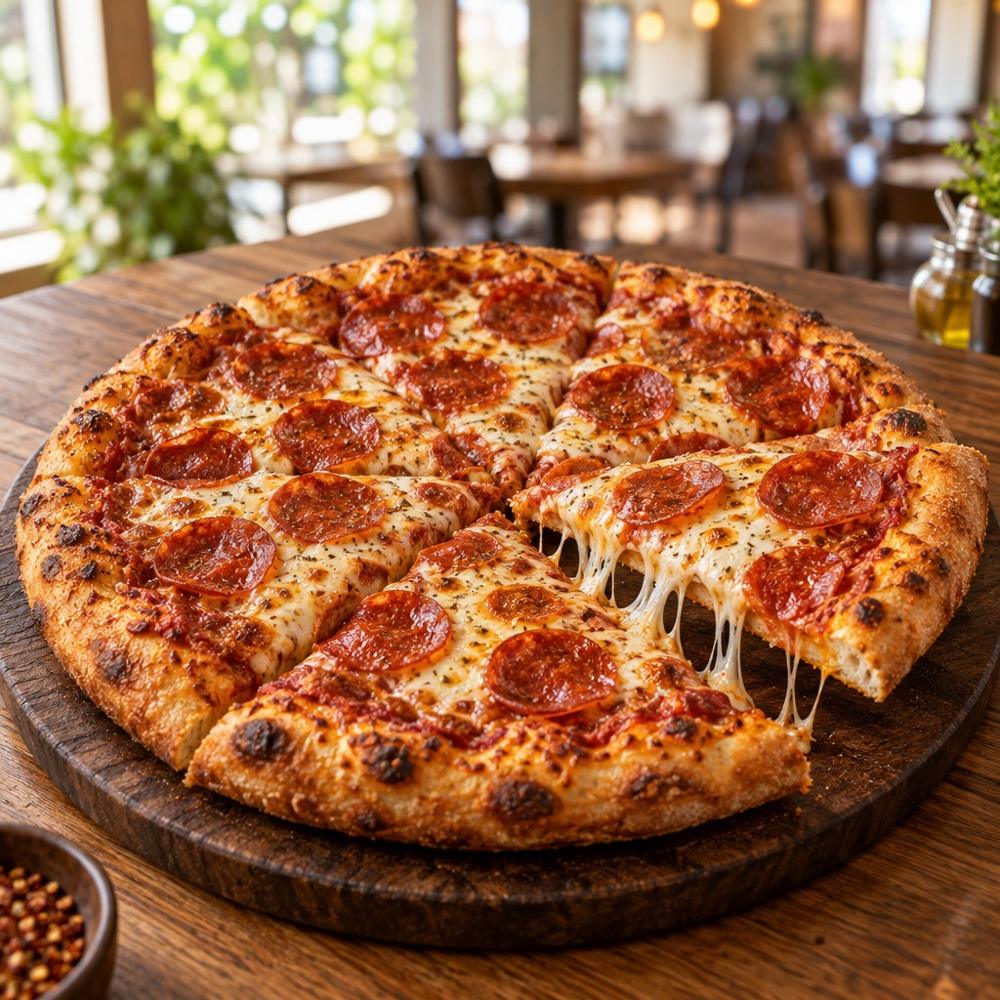 Pizza
- Sandwiches
-
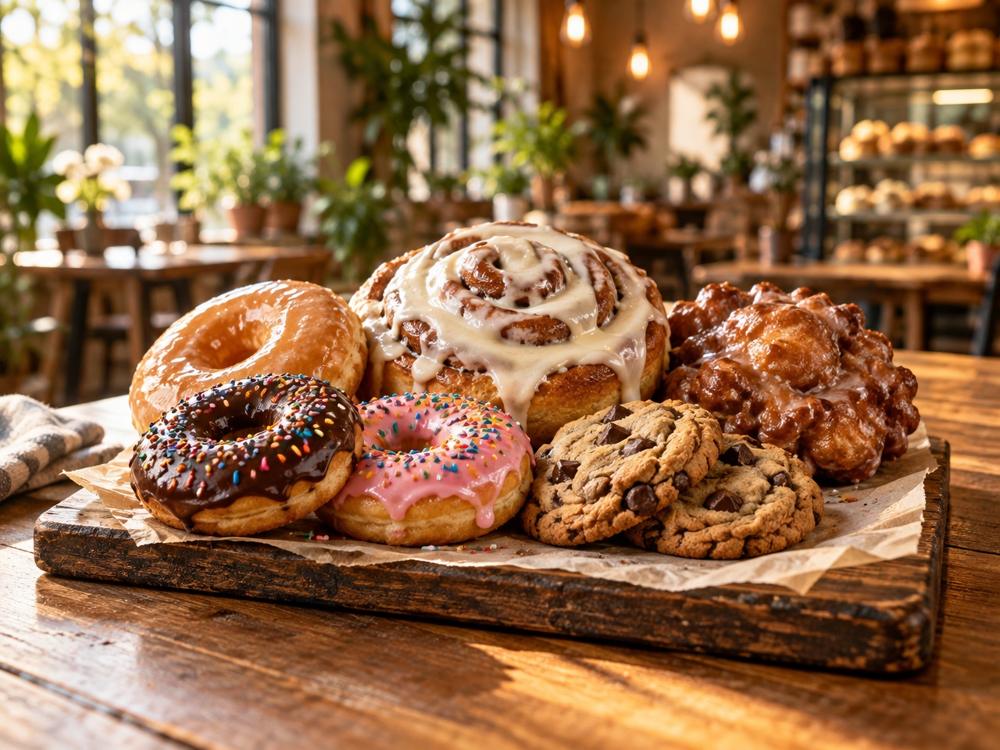 Cravin's Bakery
-
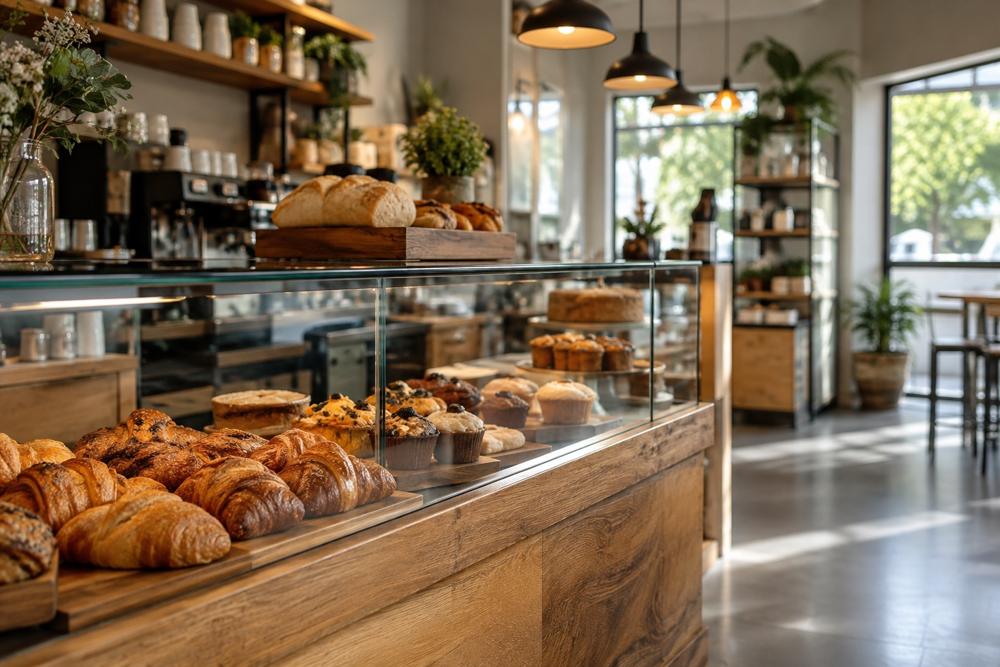 Grab & Go
-
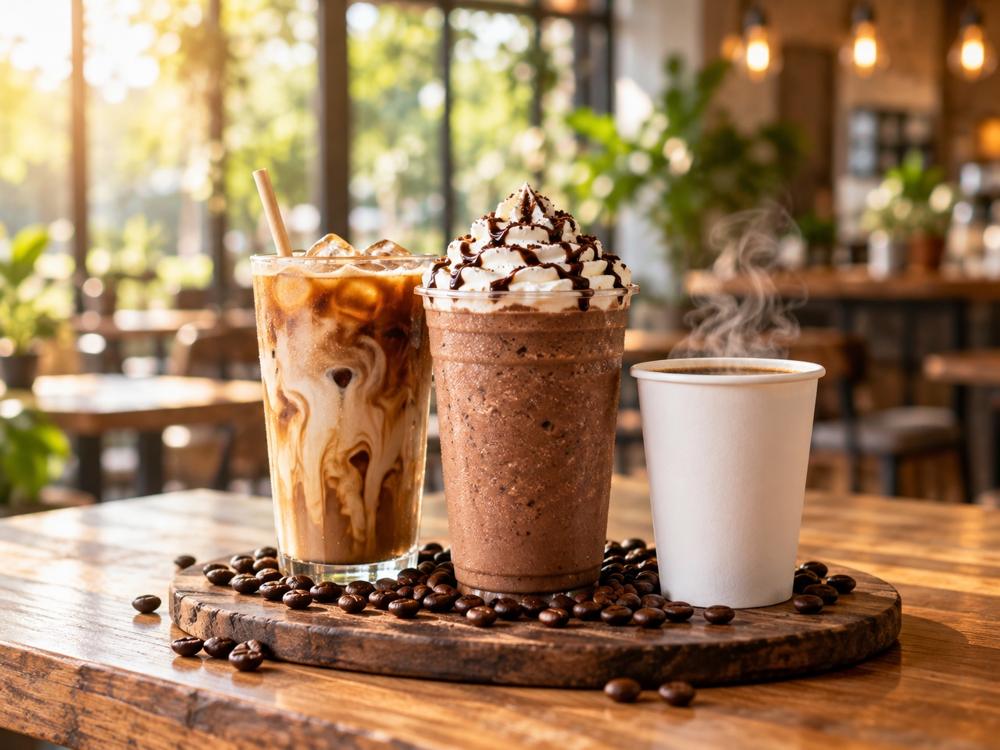 Coffee & Frozen
-
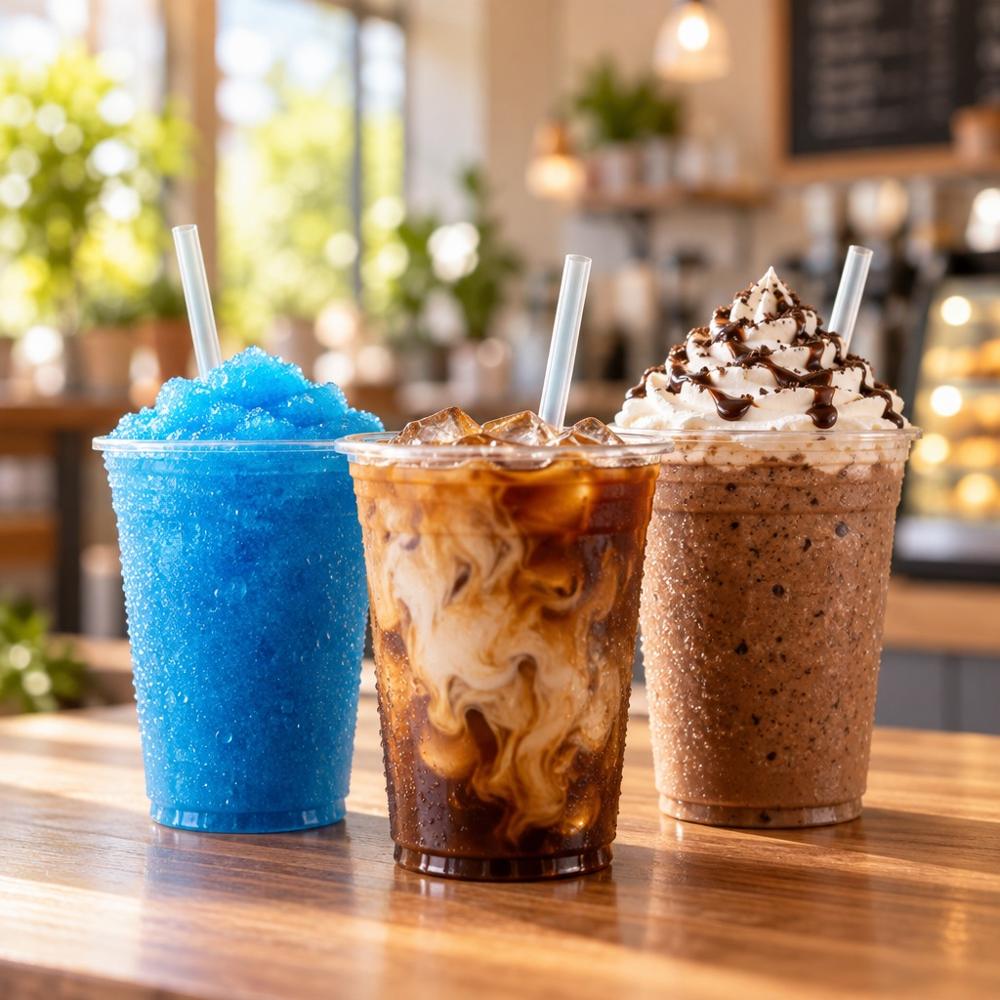 Beverages by the Case
- All
- Breakfast
- Chicken
- Pizza
- Sandwiches
- Cravin's Bakery
- Grab & Go
- Coffee & Frozen
- Beverages by the Case
Choosing a category updates the grid in place, with no page load, and the hero above follows it.
Menu filters
| Part | Rule |
|---|---|
| Group | A fieldset with an eyebrow legend, 16 px under the line above it and 24 px of space below. The first group has no line. |
| Category | A list of 40 px buttons with the item count at the right in caption size. The chosen one is underlined. Once a category is picked, the list becomes All categories and that category’s subcategories. |
| Checkbox | The browser’s checkbox, 24 px in ink, 12 px from its label, 40 px rows. Checkboxes in a group combine. |
| Price | A range from $1 to $8 in half-dollar steps, $8+ meaning no limit; the value reads Up to $5.00. |
| Sort | A 44 px select with button corners and a drawn 18 px chevron: Popular, Price: low to high, Price: high to low, Calories: low to high, Name: A to Z. |
Filter sheet
The sheet has 24 px top corners and an ink line on its top edge; from 768 px it is 640 px wide and centered. Its header holds Filters in Lilita One and a 44 px round close button; the body scrolls on its own; the footer stacks Show 52 items (ink) over Clear all (outlined), side by side from 768 px. Escape, the backdrop or Show closes it and focus returns to the Filters button. Category is a radio list in the sheet, since the strip above already shows it.
Site and Help search
- Menu Ultimate Veggie Pizza
- Menu Breakfast Pizza
- Menu Pepperoni Pizza
- Menu Cheese Pizza
| Part | Rule |
|---|---|
| Count | Body L, 8 results for “pizza”, read aloud when it changes. |
| Tabs | All, Menu, Stores, Help, News, Pages. 44 px, 20 px sides, transparent, surface on hover, ink when chosen; the count at caption size and 80 % opacity. |
| Row | A pictogram in a 48 px ring, the kind in eyebrow, the title at UI size weight 600 (underlined on hover), one line at body S, a 20 px arrow. 20 px above and below. |
| Closing | Not finding it? Try the Help Center or find a store. |
The query lives in ?q=, so a result list can be shared, and the 404 page’s search lands here. Every word of the query must appear in a result’s title, line or keywords.
Category chips
States
Use my location sorts the stores by distance on the device only; the location is never sent or stored, and once found the caption under the chips says so. The other failures read Your location could not be determined., Finding your location took too long. and This browser cannot share a location., each followed by a way to search by city or ZIP code instead.
Sizes
| Element | Height | Corners | Where |
|---|---|---|---|
| Home store field | 64 px, 72 px from 768 px | 16 px | Home |
| Finder and site search field | 56 px | 16 px | Find a Store, Fuel & Fleet, /search, Help |
| News search field | 48 px | 14 px | Press |
| Filter chip, tab, sort, page button | 44 px | 14 px | everywhere |
| Removable filter chip | 40 px | 14 px | menu |
| Load more, sheet buttons | 48 px | 14 px | menu |
Usage
- Filters apply at once. No Apply button; the summary and counts change as each chip is pressed.
- Pick one or combine, and say which. Special fuel picks one; features, collections, brands and dietary options combine. Fuel & Fleet says so next to each label.
- Keep the state in the address for the store finder and the menu, so a filtered list can be shared and the Home can send people straight into it.
- Name what is empty. An empty result says which filters left nothing and offers to undo the last one, never a bare No results.
Accessibility
- Every search form has
role="search"and a label, visible or not; the field is asearchinput. - Chips that combine are toggle buttons (
aria-pressed) in a labelled group; the special fuel chips are a radio group (role="radio",aria-checked). The menu’s category strip and tabs are toggle buttons too. - Result counts are live: the finder summary, the menu summary, the /search count and the news count are announced politely as filters change.
- Use my location is described by the privacy note and marked busy while locating; failures are announced as status.
- The filter sheet is a modal dialog: it holds focus, closes on Escape and returns focus to the Filters button.
- Chips, tabs, page buttons and checkbox rows are at least 40 px tall, most 44 px; the focus ring is always visible.
Source
- Website
-
components/locations/StoreFinder.tsxlib/locations/search.tsdata/find-a-store.tscomponents/forms/StoreSearchForm.tsxcomponents/sections/MenuBrowser.tsxcomponents/sections/MenuFilterSheet.tsxlib/menu.tsdata/food.tscomponents/sections/SearchResults.tsxcomponents/sections/HelpSearchHero.tsxcomponents/sections/PromotionsBrowser.tsxcomponents/sections/NewsBrowser.tsx